Gambiva App Characteristics
The Gambiva application is built for performance and reliability across both Android and iOS devices. The table below covers the full technical profile of the app.
| Parameter | Details |
|---|---|
| Year of Development | 2024 |
| Developer | Gambiva |
| Package Name | com.gambiva.app |
| Licence | Curacao eGaming, Licence No. 365/JAZ |
| APK File Size | Approximately 35 MB |
| Supported OS | Android 5.0+, iOS 12.0+ |
| Price | Free |
| Category | Casino and Sports Betting |
| Regional Availability | Available in the United Kingdom and select other territories |
| Supported Languages | English, German, French, Portuguese, Turkish, and more |
| Supported Currencies | GBP, EUR, USD, and crypto |
| Availability in the United Kingdom | Yes |
Gambiva App Interface
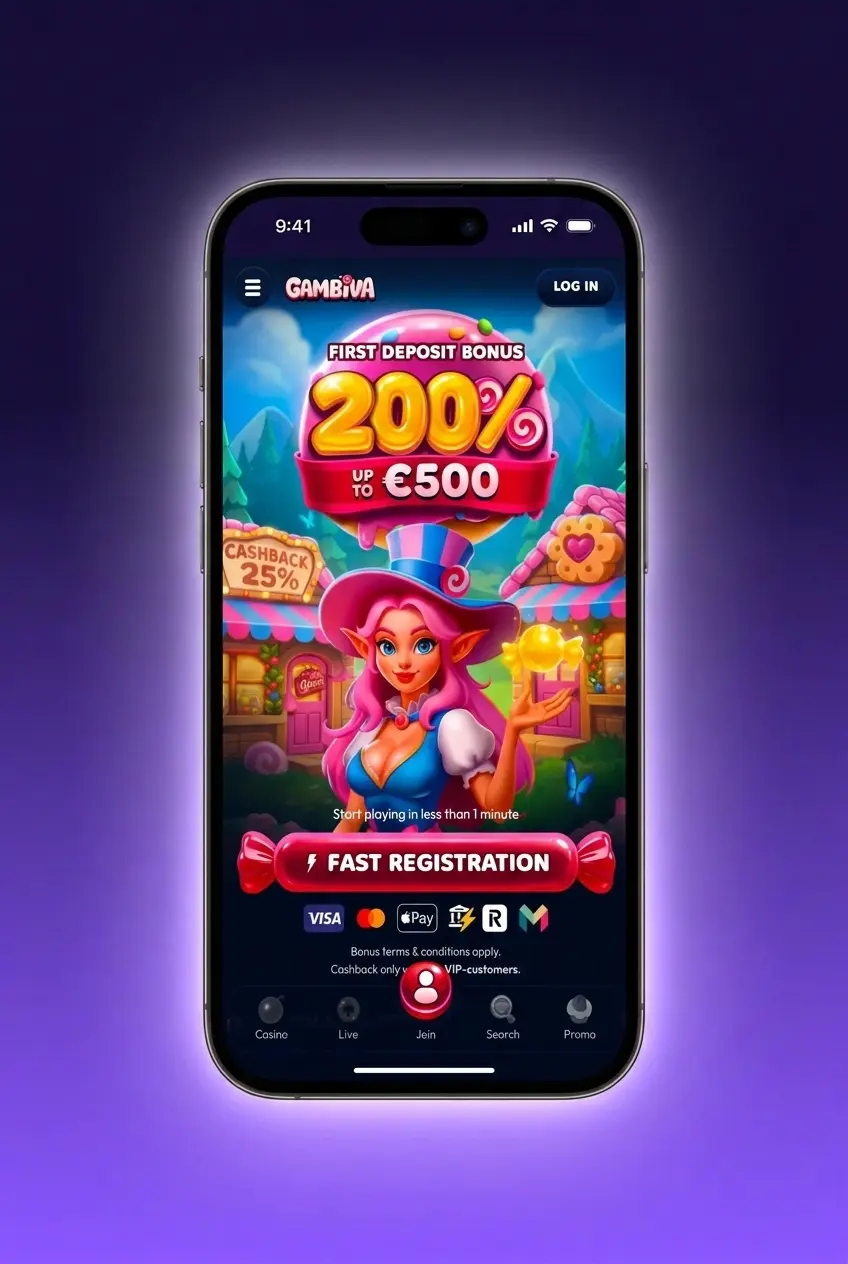
The Gambiva app uses a dark-themed layout with purple accent tones, delivering a clean and visually consistent experience across all screens. Navigation is structured around a fixed bottom menu bar, giving immediate access to the sportsbook, casino lobby, promotions, and account sections.
Download Gambiva App for Android (APK)
The Gambiva APK is available for direct download from this page and is compatible with the vast majority of modern Android devices. No third-party stores are required.
1 Tap the Download Button
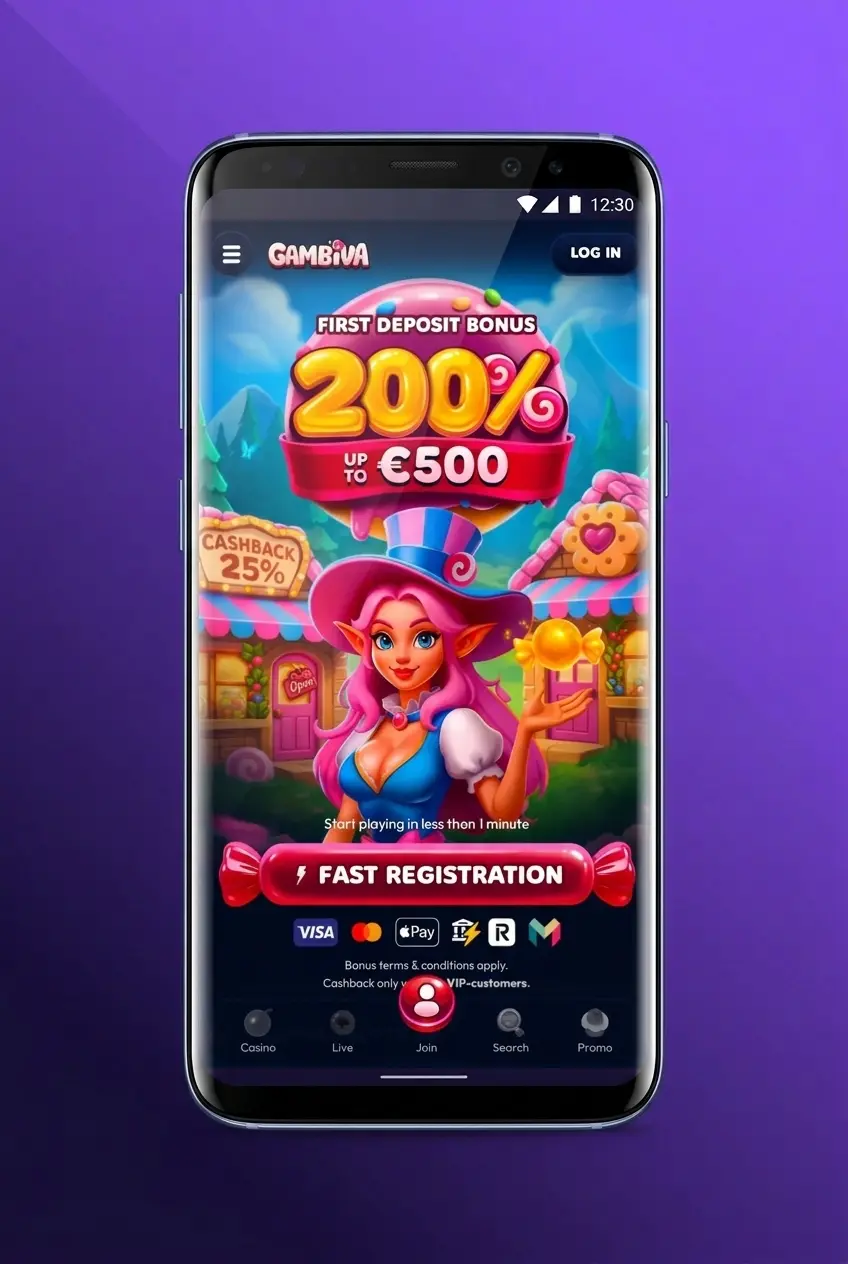
2 Locate the Downloaded File
3 Enable Installation from Unknown Sources
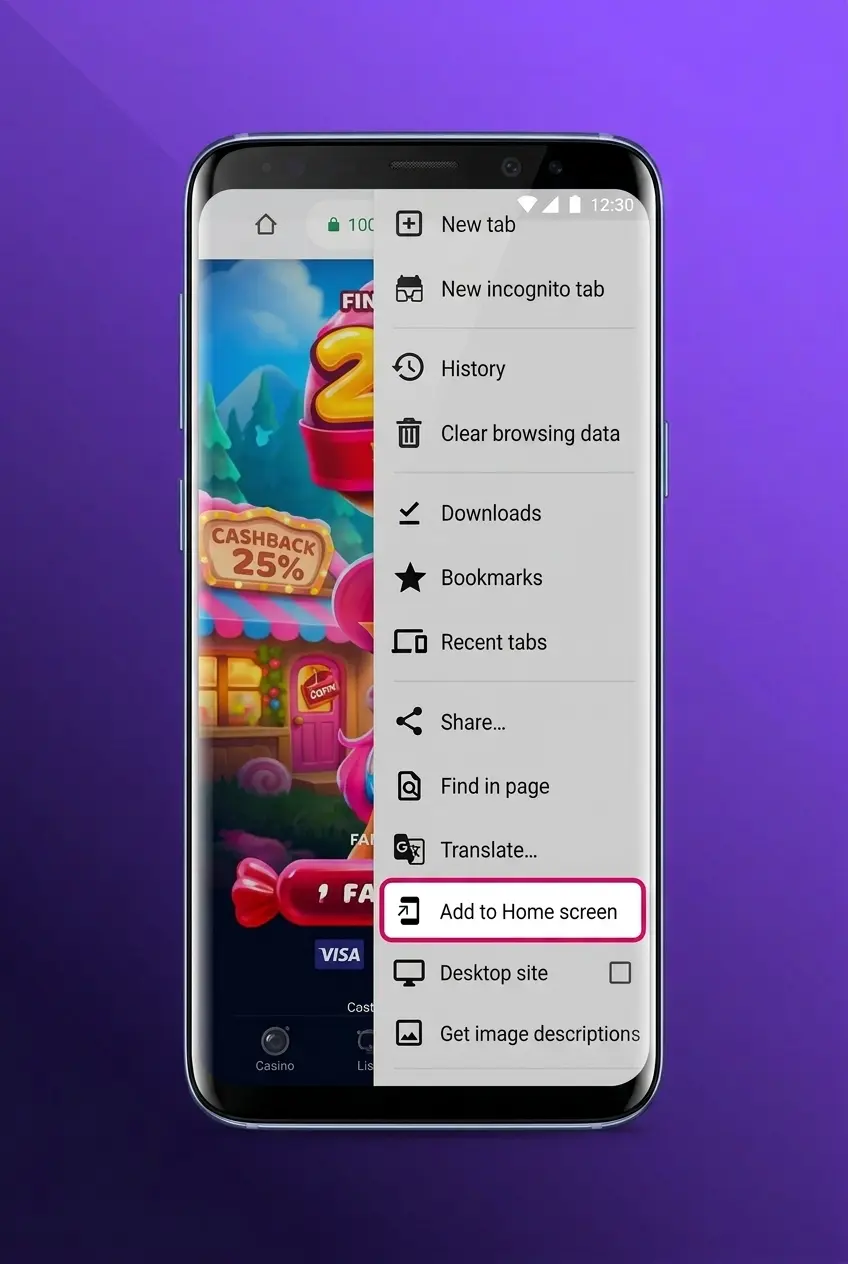
4 Run the Installer
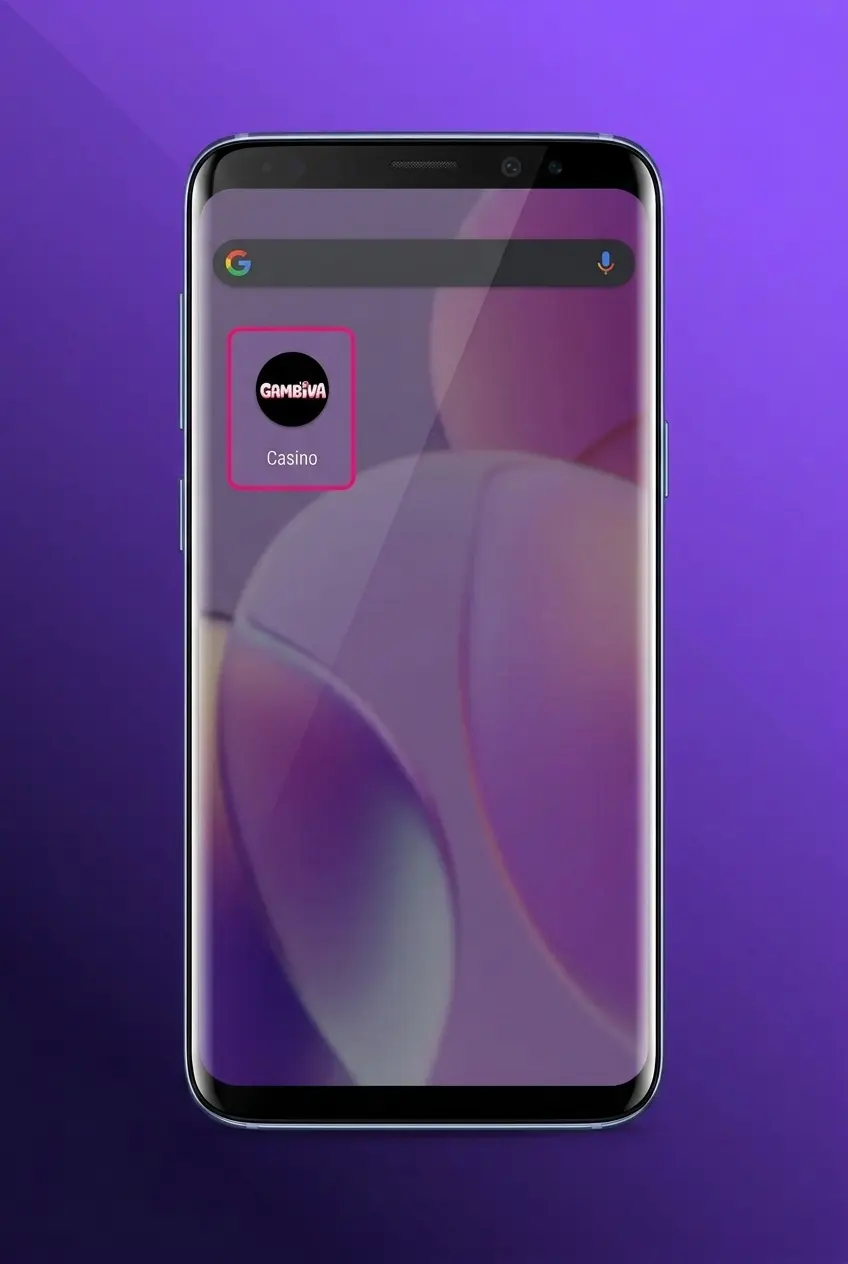
5 Launch the App and Log In
Gambiva App for Android
The Gambiva Android app is free to download and delivers the full range of casino and sports betting features in a compact, fast-loading package optimised for mobile play.
Gambiva App Android System Requirements
Before installing the Gambiva APK, confirm your device meets the minimum specifications listed below.
| Requirement | Minimum Specification |
|---|---|
| Android Version | 5.0 or higher |
| RAM | 1 GB |
| Free Storage Space | 50 MB |
| Processor | 1.2 GHz single-core or better |
Supported Android Devices
The app runs on any Android device meeting the minimum requirements above. The following models, widely used across the United Kingdom, deliver optimal performance:
- Samsung Galaxy S24 and S23 series;
- Samsung Galaxy A55 and A35;
- Google Pixel 8 and Pixel 7;
- OnePlus 12 and OnePlus 11;
- Xiaomi 14 and Redmi Note 13;
- Nothing Phone 2a;
- Motorola Edge 50 Pro.
How to Update
Regular updates keep the app secure, fix known bugs, and ensure you have access to the latest features and betting markets. Updates are not pushed automatically and must be installed manually via this page.
- Check This Page for the Latest Version. Visit this page and confirm the current APK version number is newer than the one installed on your device.
- Download the Updated APK. Tap the “Update” button below to download the latest APK file directly to your device.
- Install Over the Existing App. Open the downloaded file and tap Install. The updated version will overwrite the existing installation without removing your account data or settings.
- Relaunch the App. Once installation is complete, open the app and verify the new version is active by checking the app settings.
Download Gambiva App for iOS
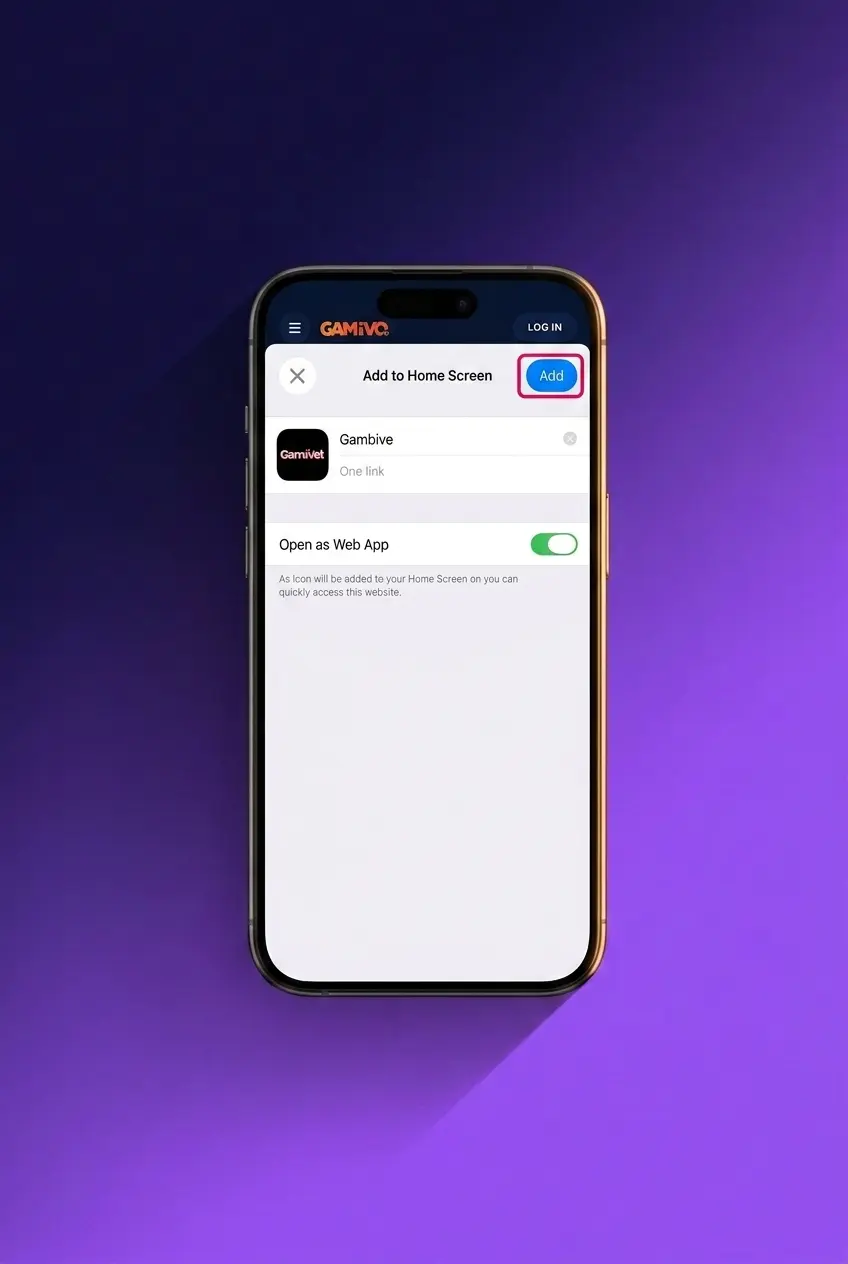
The Gambiva iOS experience is delivered as a Progressive Web App (PWA), accessible within seconds directly from this page on any iPhone or iPad. No App Store visit is required.
1 Tap the Download Button
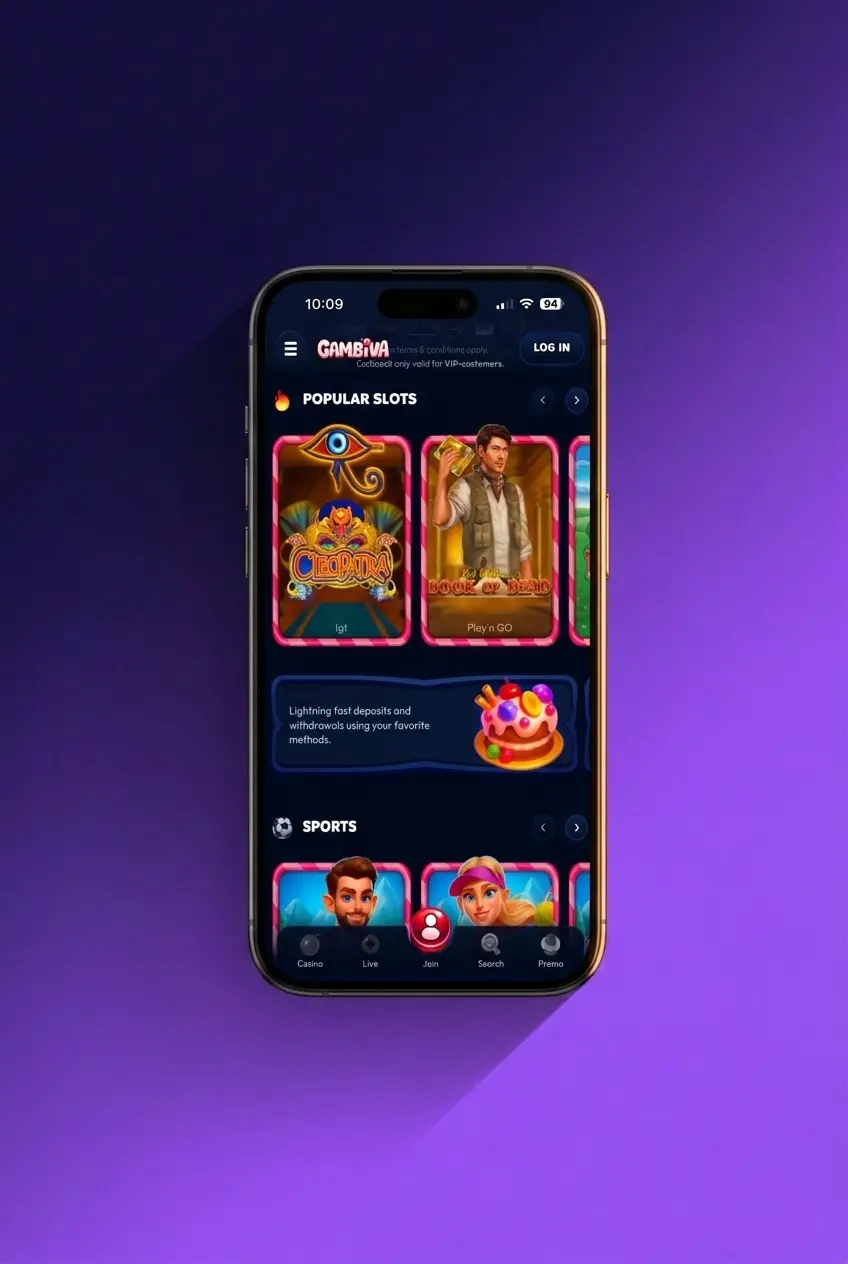
2 Add to Home Screen
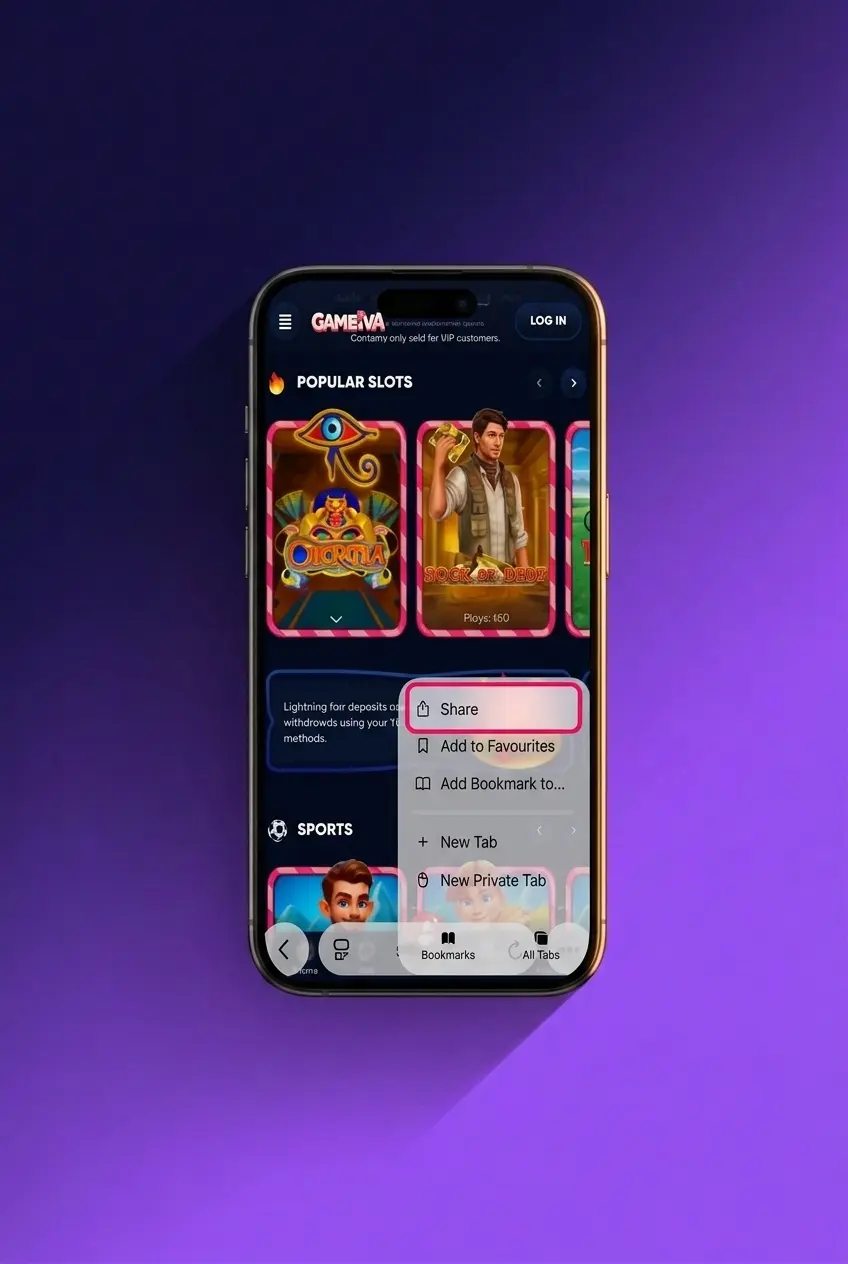
3 Locate the App Icon
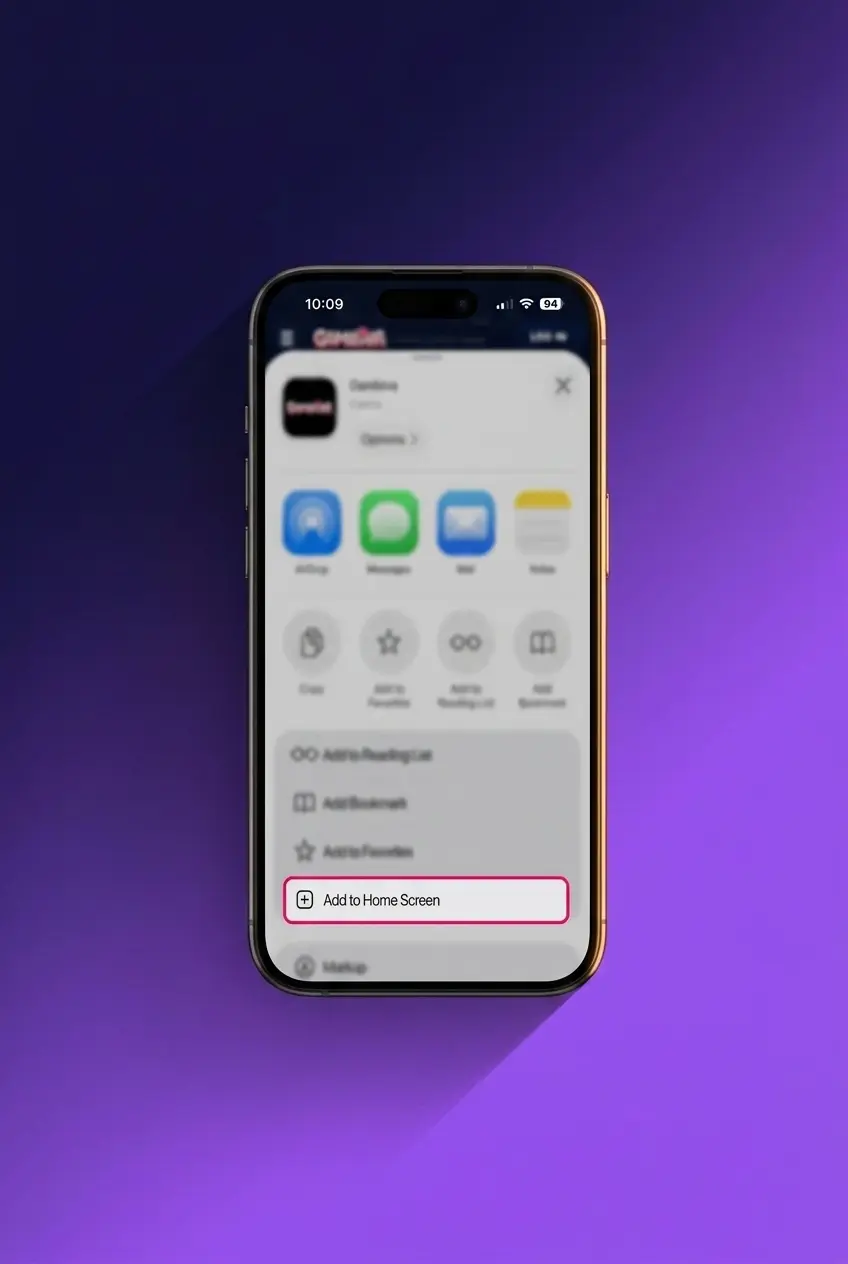
4 Launch and Log In
Gambiva App for iOS
The Gambiva iOS app is available free of charge as a Progressive Web App, fully optimised for iPhone and iPad users across all supported iOS versions.
Gambiva App iOS System Requirements
The following minimum specifications apply to all Apple devices running the Gambiva PWA.
| Requirement | Minimum Specification |
|---|---|
| iOS Version | 12.0 or higher |
| RAM | 1 GB |
| Free Storage Space | 100 MB |
| Compatible Devices | iPhone 6S or newer, iPad Air 2 or newer |
Supported iOS Devices
The Gambiva PWA is compatible with all modern Apple devices. The following models, commonly used across the United Kingdom, are fully supported:
- iPhone 16 Pro and iPhone 16;
- iPhone 15 Pro Max and iPhone 15;
- iPhone 14 and iPhone 14 Pro;
- iPhone 13 and iPhone 13 Mini;
- iPad Pro 12.9-inch (2022);
- iPad Air 5th generation;
- iPad 10th generation.
How to Update
Keeping the Gambiva PWA current ensures optimal performance, security patches, and access to newly added games and betting markets. Updates are applied automatically when you re-add the PWA, which takes under a minute.
- Visit This Page. Return to this page in Safari to check whether a new version of the PWA is available.
- Remove the Existing Icon. Press and hold the Gambiva icon on your home screen, tap “Remove App”, then confirm deletion. This clears the cached version.
- Re-add the Updated PWA. Tap the “Update” button below, then follow the same Add to Home Screen steps. The latest version will install instantly.
- Confirm the Update. Launch the app and verify that new features or interface changes are visible, confirming the update was successful.
How to Register via App?
Creating a Gambiva account through the app takes under three minutes. The registration form is concise and straightforward.
- Launch the App. Open the Gambiva app or PWA from your home screen.
- Tap “Register”. Locate the Register button on the home screen and tap it to open the sign-up form.
- Choose a Sign-Up Method. Select your preferred registration method: email address, phone number, or social media account.
- Enter Your Personal Details. Provide your full name, date of birth, and residential address. UK players must supply a valid postal address.
- Set a Password. Create a secure password of at least 8 characters combining letters and numbers.
- Confirm Your Account. Verify your email address or phone number via the confirmation code sent to you. Your account is active immediately after verification.
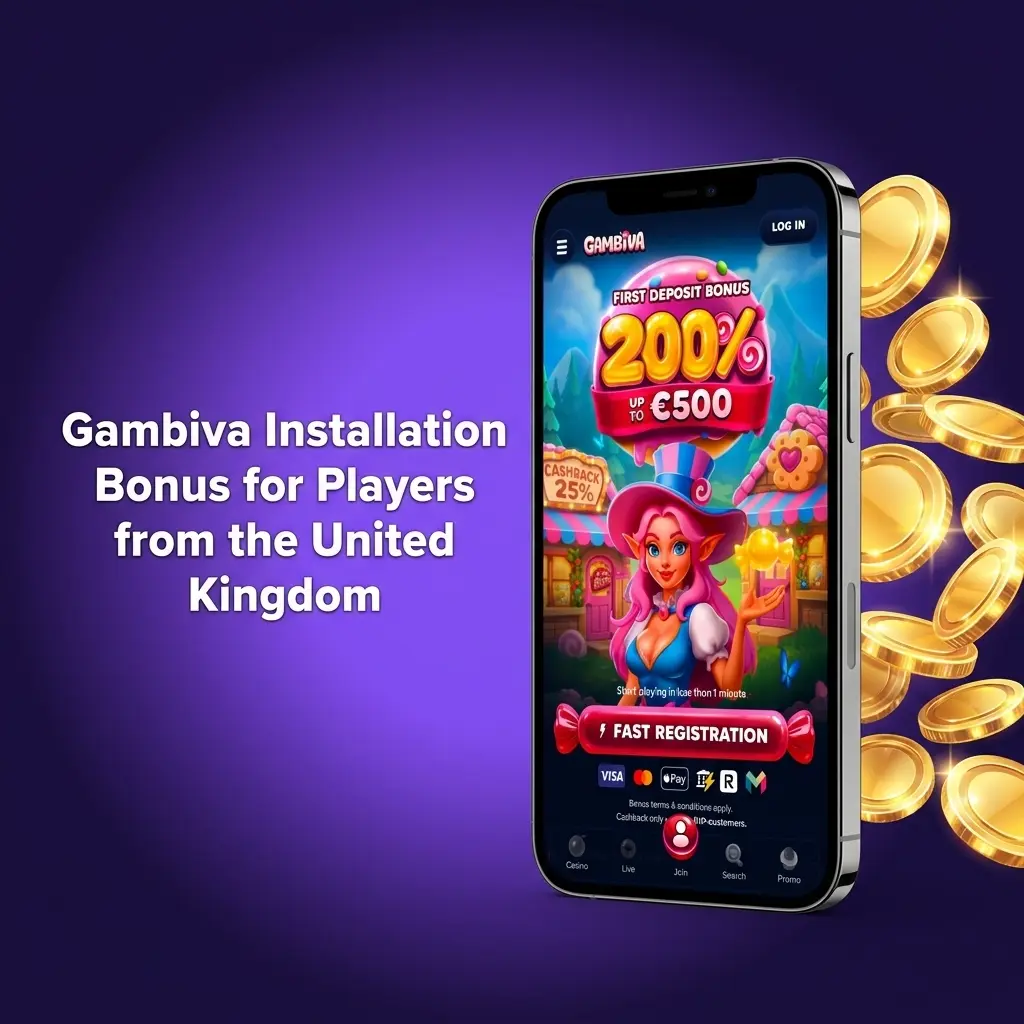
Gambiva Installation Bonus for Players from the United Kingdom
New players at Gambiva can claim a welcome bonus on slots worth up to 1,000 GBP. The offer activates on your first deposit and is available immediately after account verification.
| Detail | Specification |
|---|---|
| Bonus Type | Welcome Deposit Match (Slots) |
| Match Percentage | 100% |
| Maximum Bonus Amount | 1,000 GBP |
| Minimum Deposit to Qualify | 20 GBP |
| Wagering Requirement | 35x the bonus amount |
| Eligible Games | Slots only |
| Validity Period | 30 days from activation |
Deposit 20 GBP and receive 20 GBP in bonus funds. Deposit the full 1,000 GBP and receive the maximum 1,000 GBP bonus. Wagering must be completed on eligible slots within 30 days. Terms and conditions apply.
Mobile Sports Betting on the Gambiva App
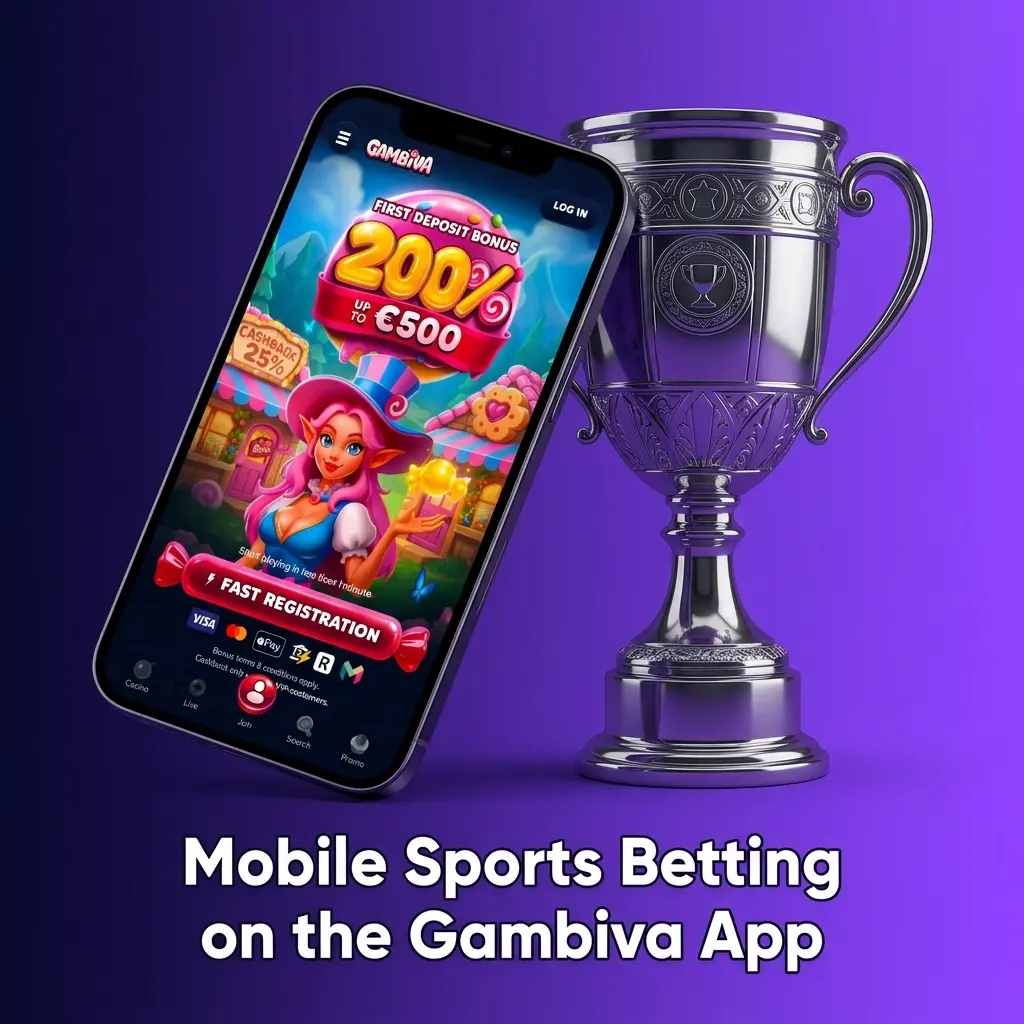
The Gambiva betting app covers over 30 sports disciplines and supports both Live and pre-match (Line) wagering. Bet types include singles, accumulator parlays, system bets, and Asian handicap options. Each sport has a dedicated page displaying live statistics, current standings, and live stream access for selected events.
Sports available for UK players include:
- Football (Premier League, Championship, FA Cup, and European competitions);
- Horse racing (Cheltenham, Royal Ascot, Grand National fixtures);
- Tennis (ATP, WTA, Grand Slams);
- Cricket (Test, ODI, and The Hundred);
- Basketball (NBA and EuroLeague);
- Rugby Union and Rugby League;
- Darts (PDC World Championship, Premier League Darts);
- Snooker (World Snooker Championship);
- Golf (The Open Championship, Ryder Cup);
- Esports (CS2, Dota 2, League of Legends).
Odds are updated continuously during live events, and cash-out is available on selected markets.
Gambiva Mobile Website Version
The Gambiva mobile site is accessible on any smartphone or tablet browser without any download required. It delivers the same full suite of casino games, sports betting markets, payment options, and account management tools as the dedicated app. The site auto-adapts to your screen resolution, providing a consistent experience across iOS Safari, Android Chrome, and all major mobile browsers.
Mobile App vs Website
The Gambiva mobile site and the dedicated app share the same core features and game library. Most experienced players favour the app for its faster load times and added functionality not available through a browser tab.
| Feature | Mobile App | Mobile Website |
|---|---|---|
| Device Memory Usage | Approximately 35-50 MB installed | No storage used (browser-based) |
| Push Notifications | Yes, native push alerts for offers and odds changes | Not available |
| Update Requirements | Manual update via this page required | Always current, no updates needed |
| Screen Adaptability | Optimised natively for each device resolution | Responsive but dependent on browser rendering |
| Internet Connection Requirements | Slightly lower data usage with cached assets | Requires an active connection for every asset load |
For players who bet frequently or follow live markets, the app provides a more stable and responsive experience. The mobile site remains a reliable alternative for occasional access from any device without installation.
Gambiva App Payment Methods
The following payment options are available to players in the United Kingdom:
- Visa (debit and credit);
- Mastercard (debit and credit);
- Skrill;
- Neteller;
- Bank Transfer;
- Cryptocurrency (Bitcoin, Ethereum, Litecoin, and others).
Deposits are credited to your account instantly across all supported methods. Withdrawals via e-wallets (Skrill, Neteller) and crypto are processed within 15 minutes. Bank Transfer withdrawals take 1-3 business days. The minimum deposit is 10 GBP. The minimum withdrawal is 20 GBP.
Contact Customer Support via the Gambiva App
Gambiva’s customer support team is available 24 hours a day, 7 days a week, including UK bank holidays. Support agents are trained to handle account queries, payment issues, bonus terms, and technical problems.
Contact methods available to UK players:
- Live Chat: Accessible directly within the app for instant responses, typically under 2 minutes;
- Email: Send a detailed query to support via the in-app contact form for non-urgent issues;
- FAQ Section: A comprehensive help centre covering the most common account, payment, and bonus questions.
FAQ
Is the Gambiva app legal for UK players?
Gambiva operates under a Curacao eGaming licence (No. 365/JAZ). UK players can download and use the app for real-money play. Always confirm you meet the minimum age requirement of 18 years before registering.
Does the Gambiva APK work on all Android versions?
The APK requires Android 5.0 or higher. Devices running Android 4.4 or earlier are not supported. If your device runs Android 5.0+ but experiences issues, ensure you have at least 50 MB of free storage and 1 GB of RAM available.
Can I use the same account on both the app and the mobile site?
Yes. Your Gambiva account is universal. You can log in with the same credentials on the Android app, the iOS PWA, and the mobile browser version. Your balance, bonus status, and betting history sync across all platforms.
How long does it take to receive a withdrawal processed via the app?
Withdrawals via Skrill, Neteller, and cryptocurrency are processed within 15 minutes. Bank Transfer withdrawals take between 1 and 3 business days depending on your bank. The minimum withdrawal amount is 20 GBP.
Is there a separate bonus for sports betting players?
The featured welcome offer of 100% up to 1,000 GBP applies to slots. Gambiva also offers sports-specific promotions including enhanced odds and accumulator boosts. Check the Promotions section within the app for all currently active offers available to your account.